Catalogix Documentation home page
Search...
⌘K
Support
Get Started
Get Started
Search...
Navigation
Catalogix - List it
Getting Started
Documentation
API Reference
Welcome
Welcome to the CXO Suite
Getting Started
Sign Up & Login
Navigation Overview
Profile Menu
Workspaces
Billing
Teams
Apps Overview
Creating a new workspace
Switch Apps
User Guide
Artifax - Design it
Photogenix - Shoot it
Catalogix - List it
Getting Started
Navigation Overview
Create a Store
Upload Products
Store Navigation
Product Listing Page
Automations
Exports
Collaboration and Activity
Product Details Page
Store Settings
On this page
Launch Catalogix
Catalogix - List it
Getting Started
Open Catalogix from CXO and orient yourself to the dashboard layout.
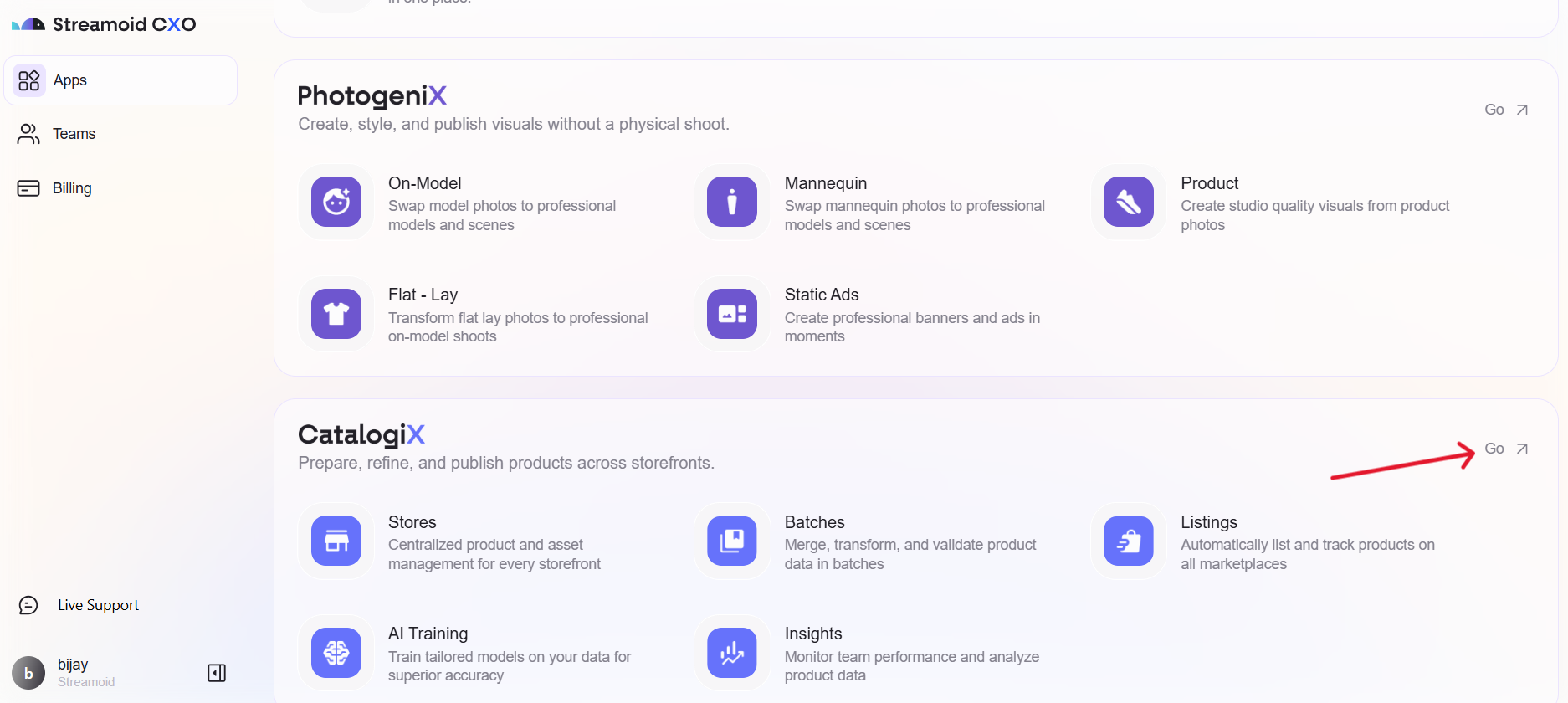
You can access Catalogix directly from the CXO Retail Command Center — your single workspace for managing all Streamoid apps.
Launch Catalogix
1
Open Catalogix
On your CXO dashboard, click the
Catalogix shortcut arrow
to enter the app, or click on
Stores
to start.
Retouch Prompting Tips
Navigation Overview
⌘I