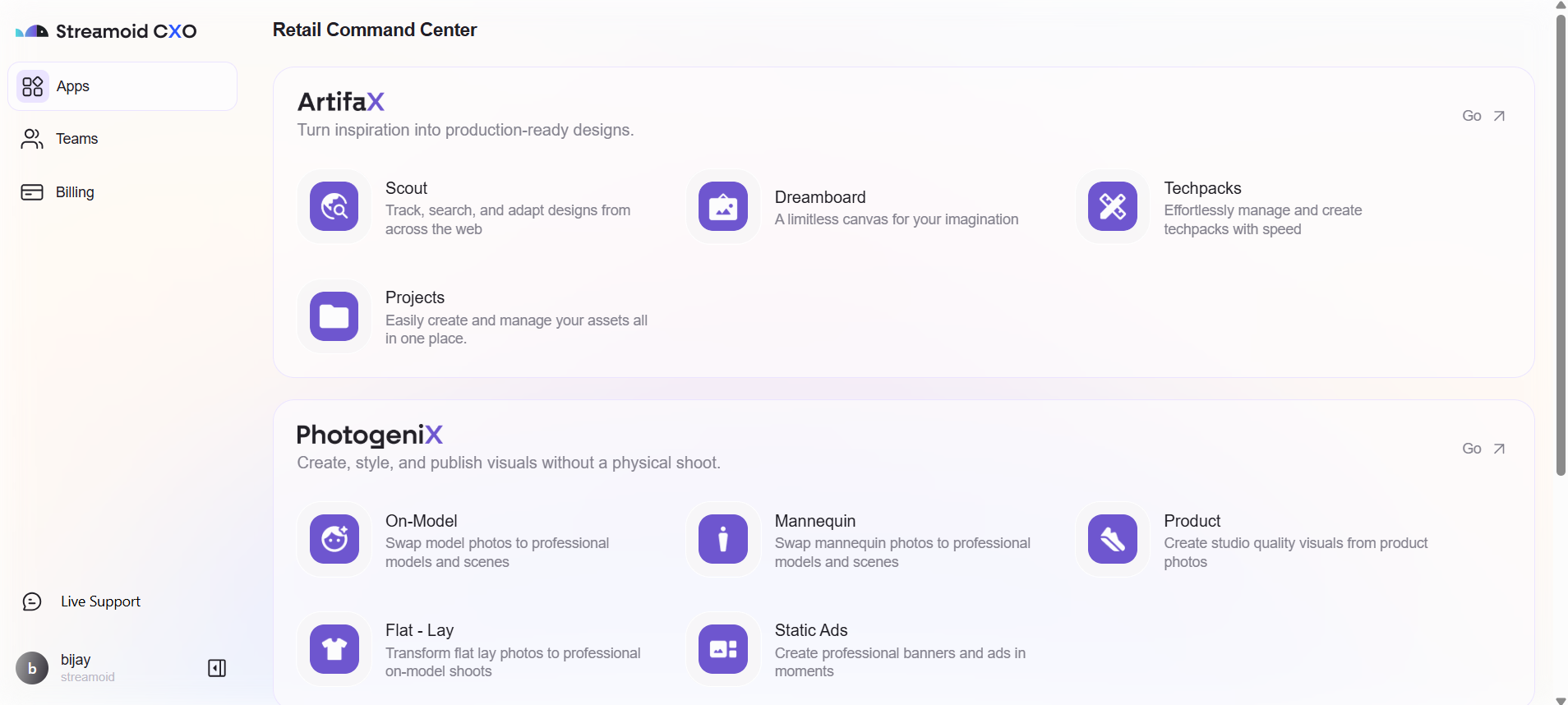
This section walks you through creating your Streamoid CXO account and accessing the dashboard.
1
Go to Streamoid CXO Login Page
Visit app.streamoid.com/login and enter your email address.
2
Verify Your Email
Check your inbox for a verification code from Streamoid and enter it on the login screen.
3
Access the Dashboard
Once verified, your CXO account is created and you’ll be redirected to your personalized dashboard.