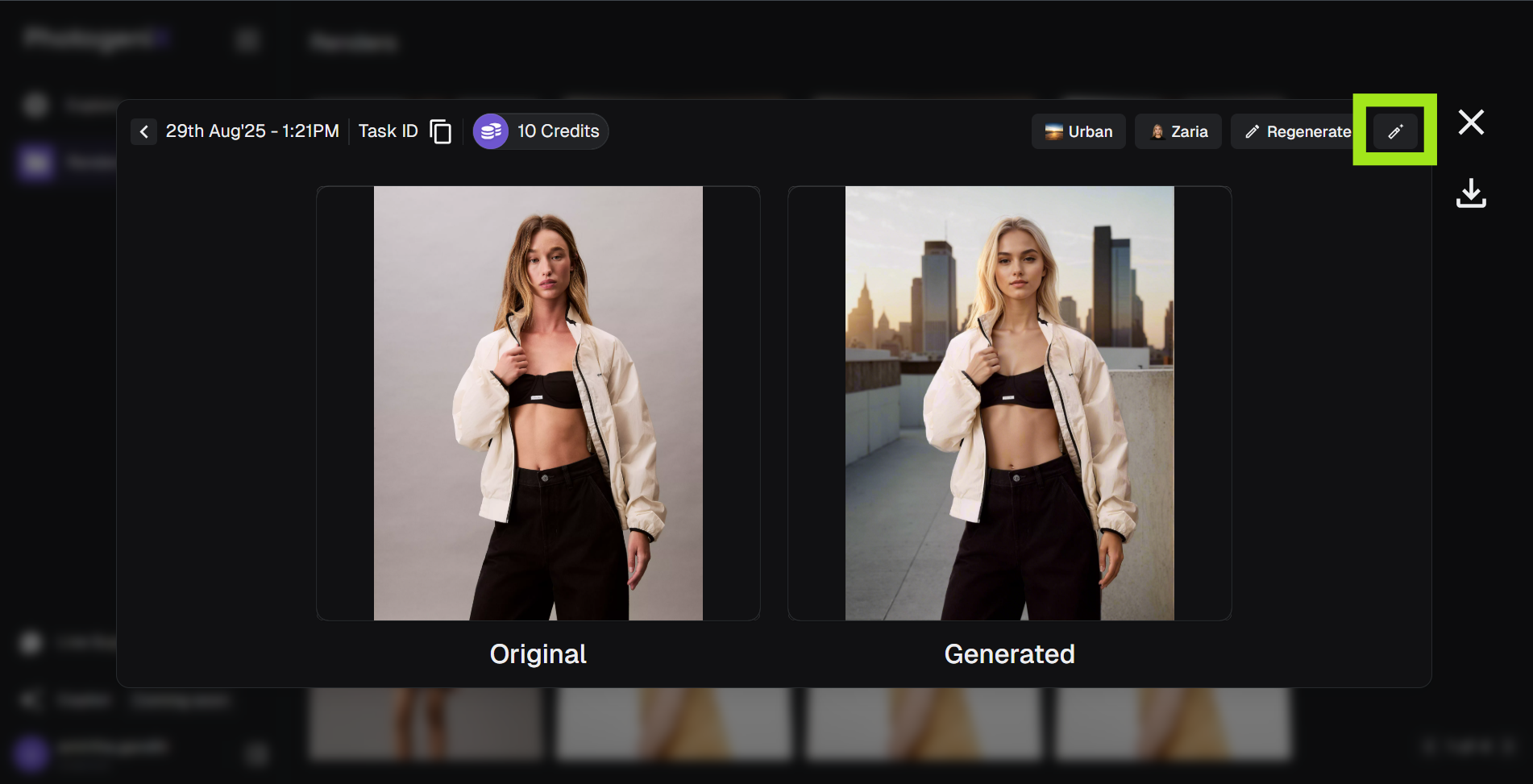
The Retouch tool lets you adjust specific elements without re-running the full generation — ideal for final polish.
1
Open the Generated Image
Select Retouch from the options menu for the render you want to update.
2
Describe the Edit
Write what you’d like to change (e.g., “Add a black leather handbag” or “Fix lighting on the left arm”).
3
Manual Mode
For precise edits, click Manual to mask the specific area and generate updates.
4
Save New Generation
Once the retouch is complete, save your final output so you can compare versions later.