Once you’re inside Photogenix, follow these core steps to generate and download finished renders.
1
Upload Images
Follow on-screen instructions to upload your product or model images for your chosen use case.
2
Select Edits
Choose your desired model, background, and styling options from the Photogenix library or create your own prompts.
3
Generate
Click Generate to process the image using AI. Photogenix will render your visuals within seconds.
4
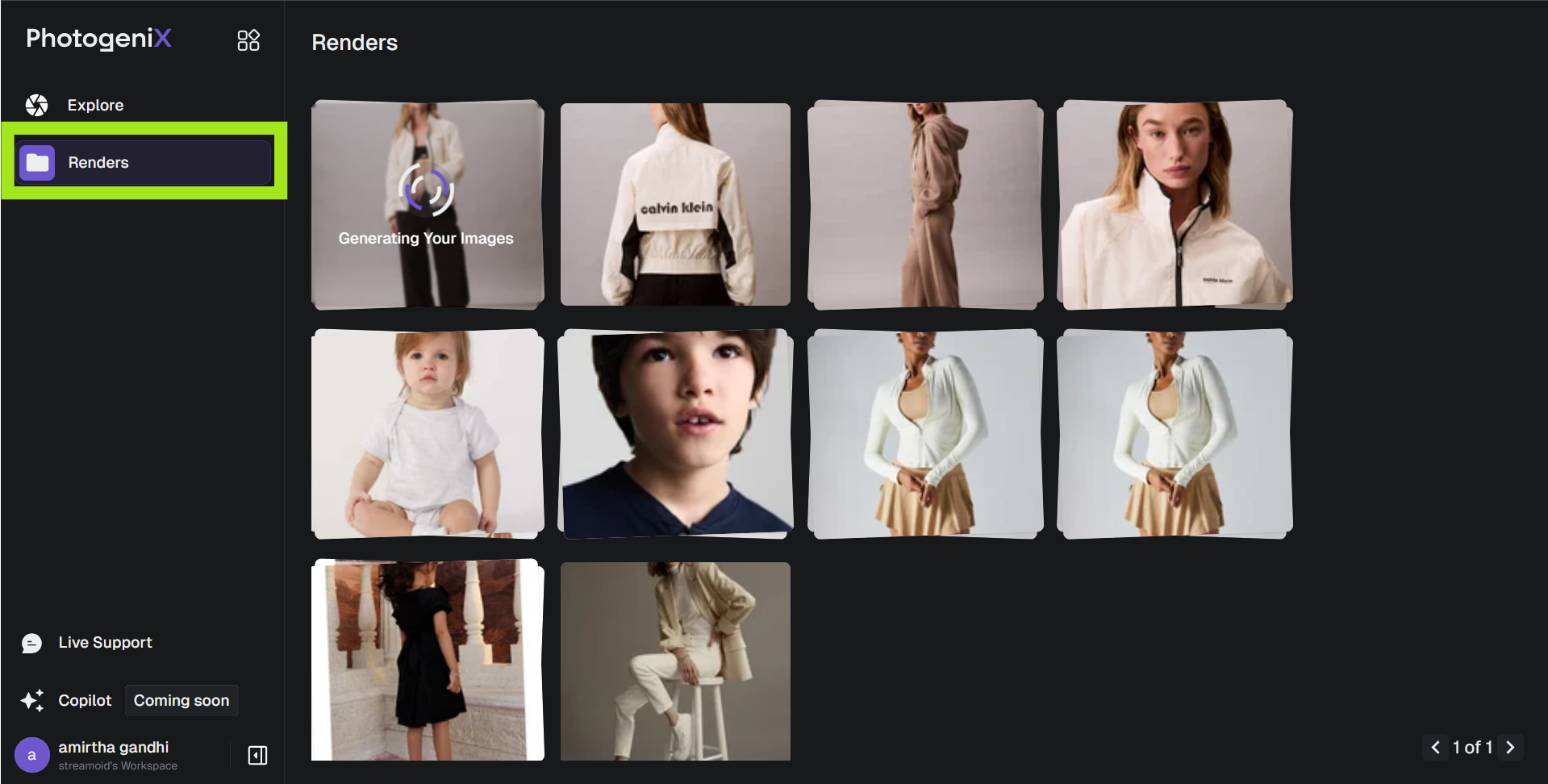
Save Final Images
Go to the Renders tab to view and download your processed images. Export in marketplace-specific dimensions.