> ## Documentation Index
> Fetch the complete documentation index at: https://docs.streamoid.com/llms.txt
> Use this file to discover all available pages before exploring further.
# Regenerate in Photogenix
> Swap models or backgrounds on any render without starting over.
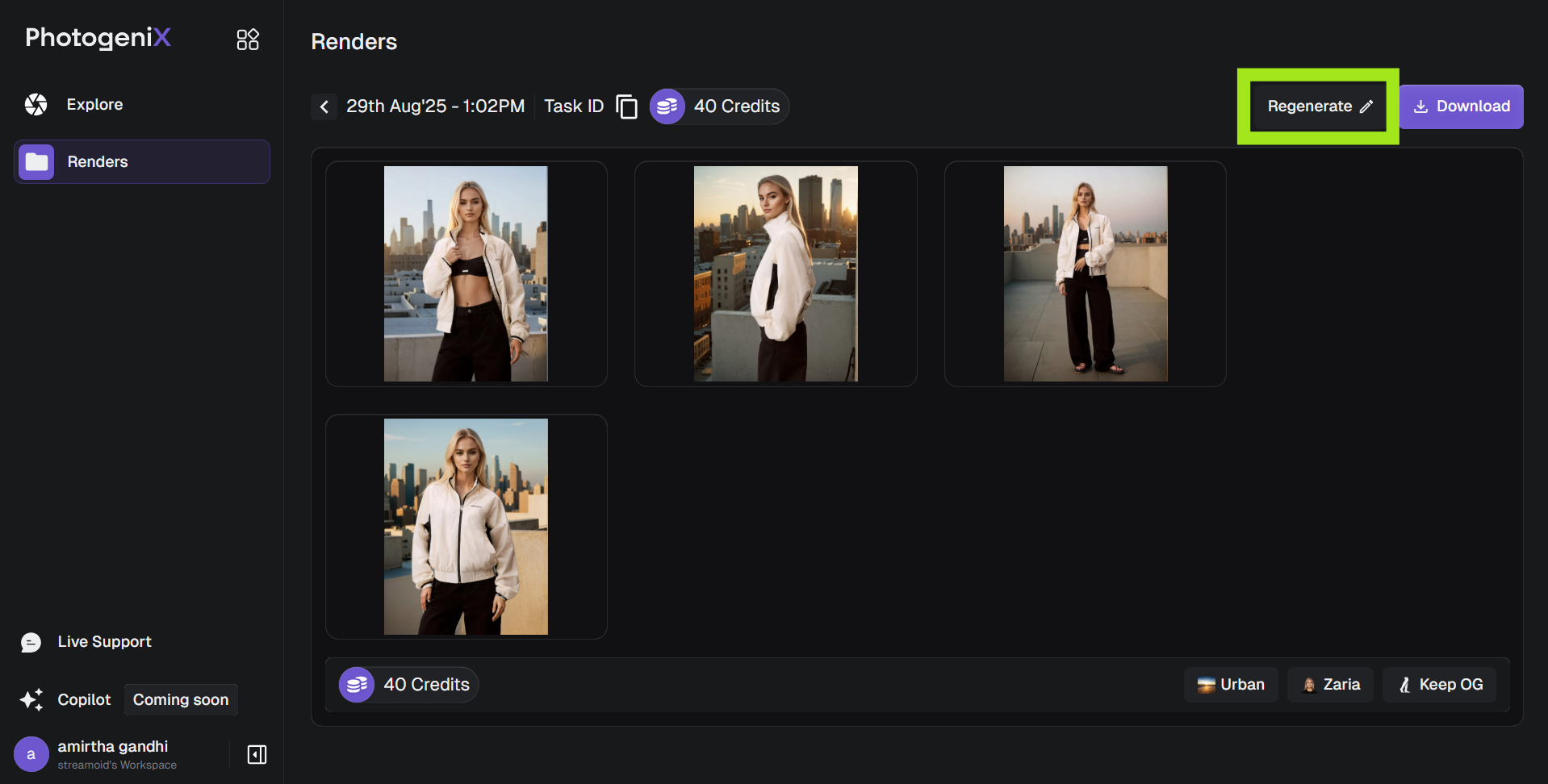
Use **Regenerate** when you want a fresh variation of an existing render — perfect for trying new models, environments, or lighting directions.
1. Click **Regenerate** on your image.
2. Update your selections from the model or background library.
3. Click **Generate** again to create a new version.
Each regeneration counts as a new image and will deduct credits from your plan.