> ## Documentation Index
> Fetch the complete documentation index at: https://docs.streamoid.com/llms.txt
> Use this file to discover all available pages before exploring further.
# Getting Started
> Access Photogenix and learn the core workflow for generating visuals.
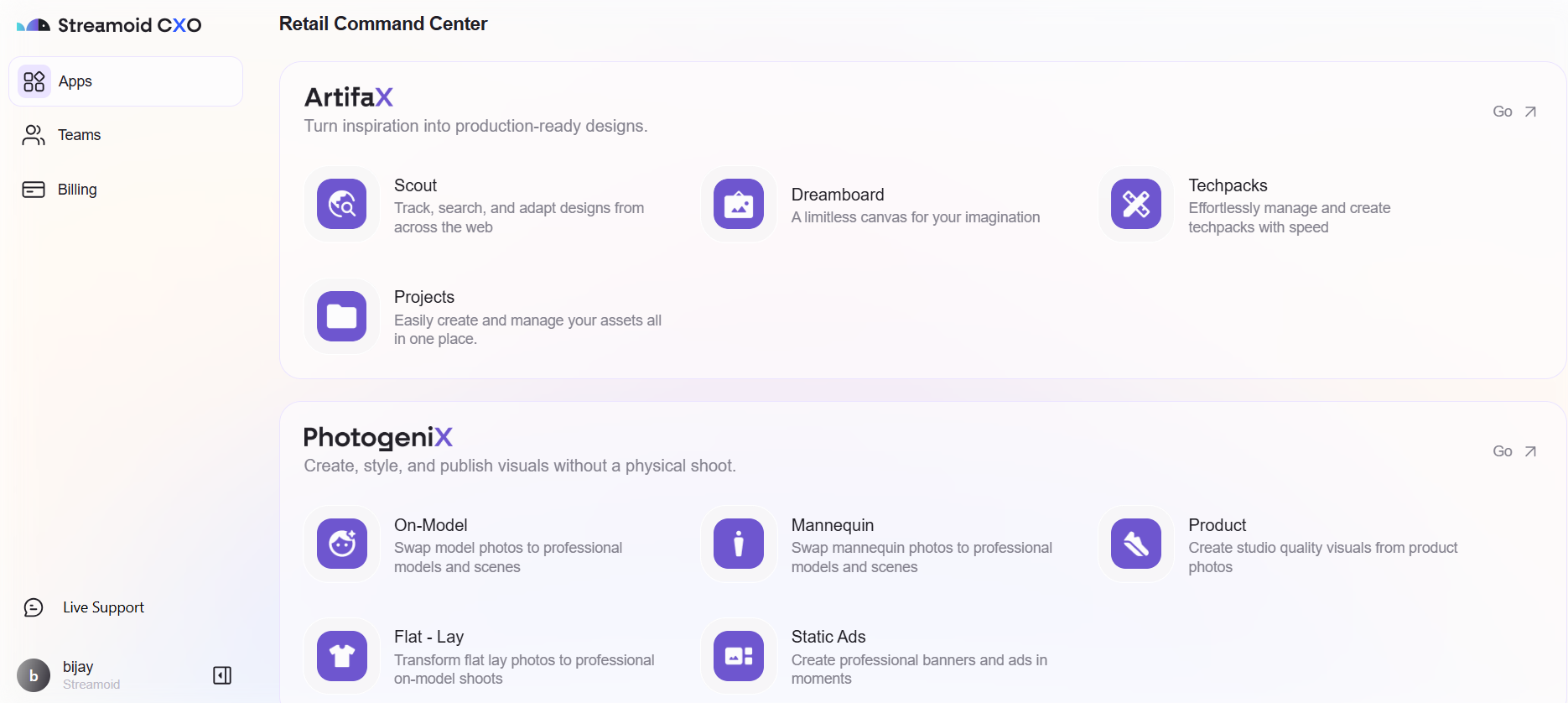
You can access Photogenix directly from the Streamoid CXO dashboard or by visiting the Photogenix website — your Streamoid credentials unlock both.
***
## Launch Photogenix
Visit [https://photogenix.ai](https://photogenix.ai) and sign up with your email ID. Enter the verification code sent to your inbox.
If you're using CXO, click the **Photogenix shortcut arrow** on the dashboard to launch instantly.
Once logged in, your account is ready — choose a use case and begin creating stunning visuals.
***