> ## Documentation Index
> Fetch the complete documentation index at: https://docs.streamoid.com/llms.txt
> Use this file to discover all available pages before exploring further.
# Store Navigation
> Learn the layout of the store, including products, discovery, and settings.
Inside a store, you’ll see a dashboard tailored for product uploads, management, and tracking.
Manage uploaded catalogs and view all products within the store.
Configure product visibility and optimize search recommendations. (in beta)
Edit store preferences, automations, and integrations.
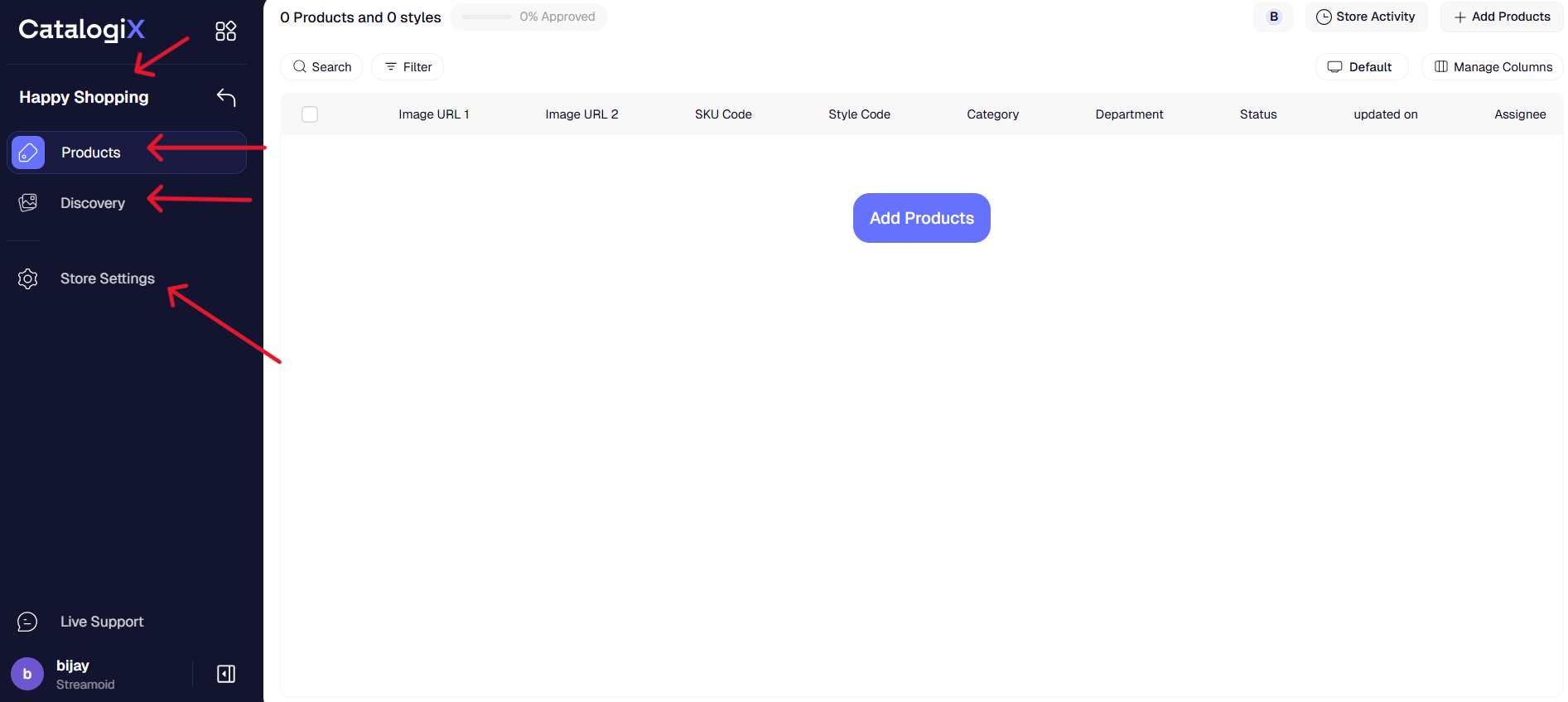
Use **Add Products** in the top-right corner to start uploading your catalog.