> ## Documentation Index
> Fetch the complete documentation index at: https://docs.streamoid.com/llms.txt
> Use this file to discover all available pages before exploring further.
# Add Images to Projects
> Save inspiration from Scout into Projects or upload your own.
To add products from Scout to your project, simply hover on a product and click on the save button. You can further choose which project you want to add the product to.
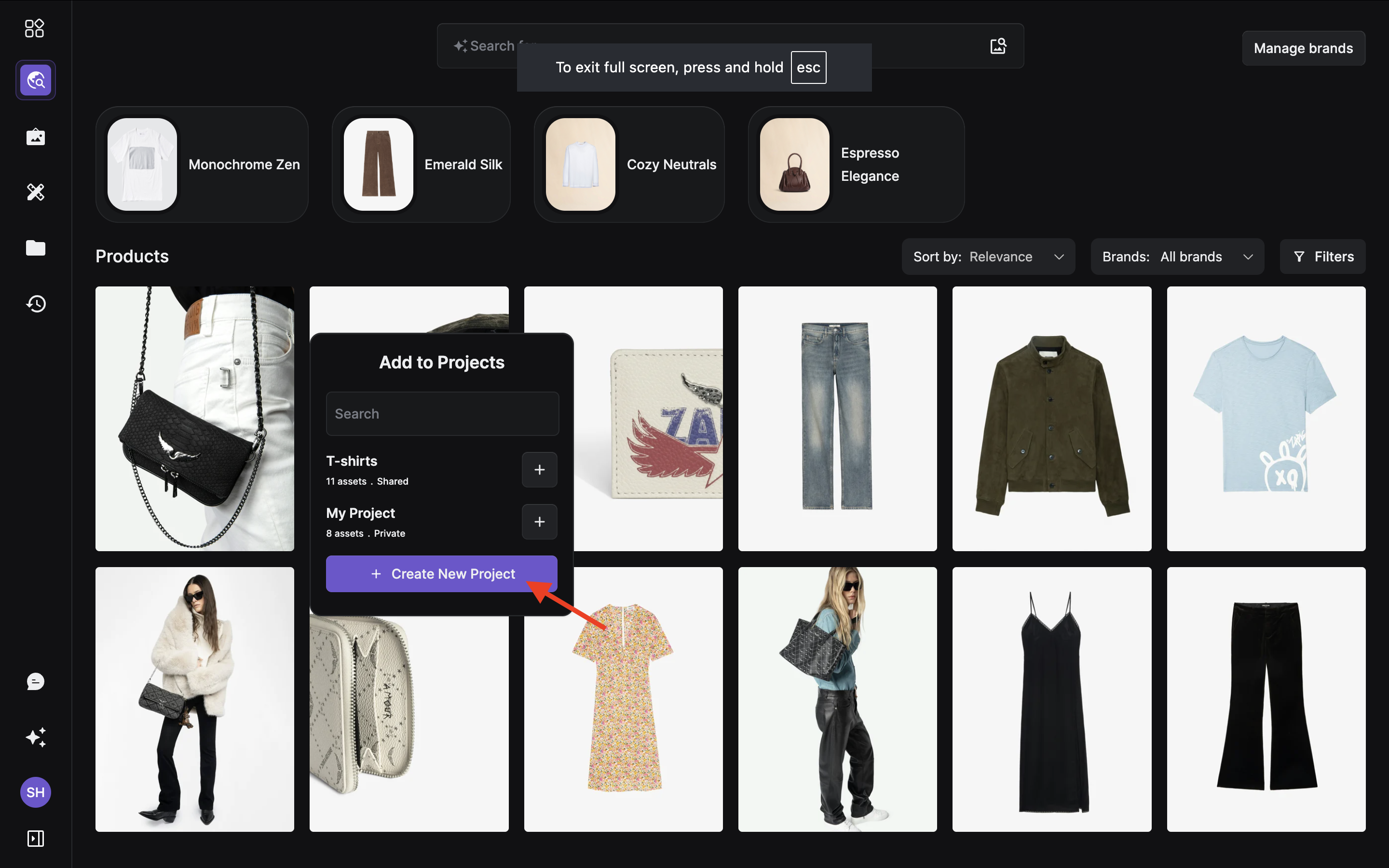
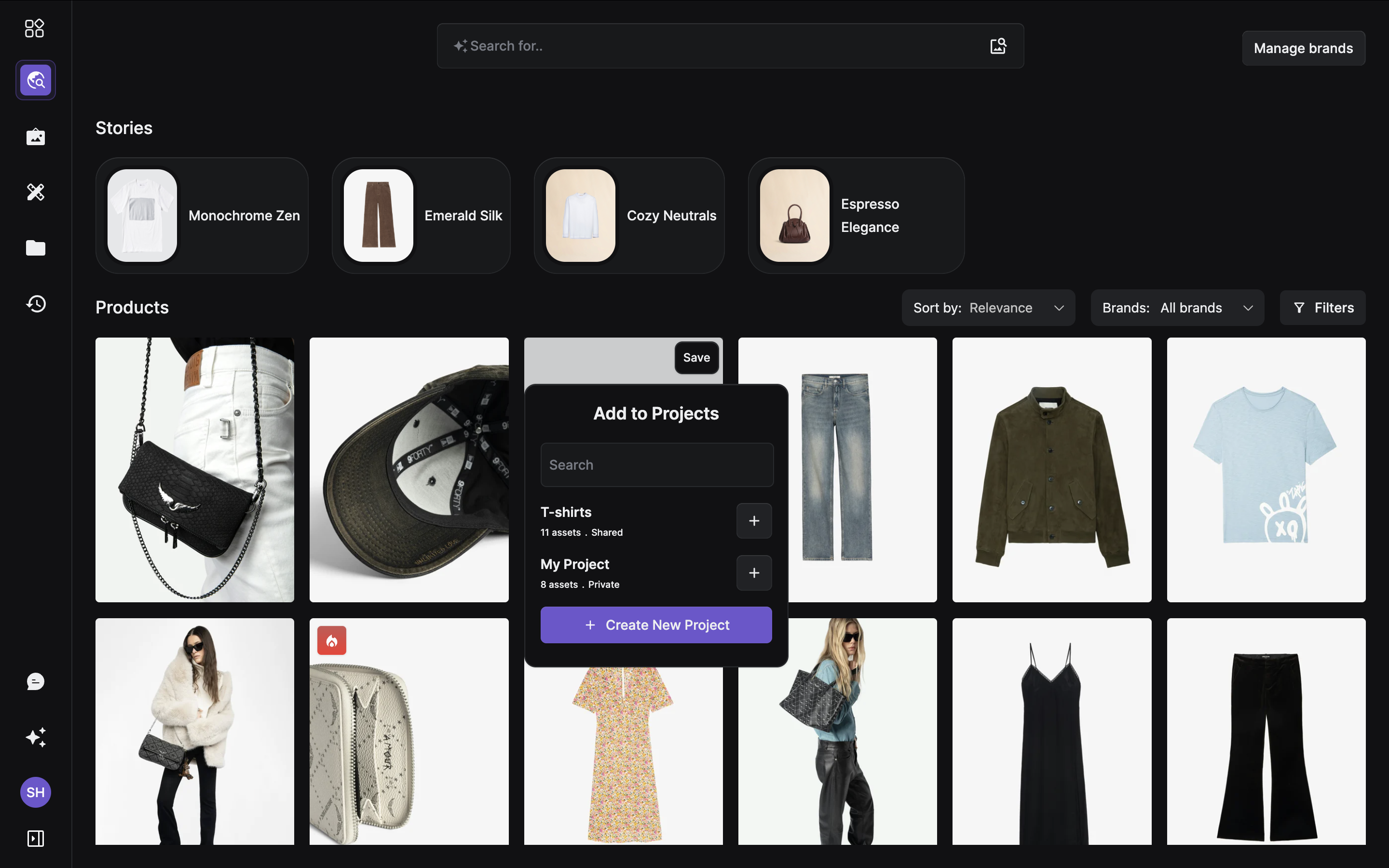 If you have not created a project, you can create one on the go! After clicking on the save button, simply click on 'create new project' to start a new project!
 ***
Upon choosing your brands, Scout automatically creates stories or groups of products that have similar visual features. These are called 'stories' and can be found at the top of the listing page.
🎉 You’re now ready to explore, remix, and design with Artifax — where creativity meets AI precision.
***
Upon choosing your brands, Scout automatically creates stories or groups of products that have similar visual features. These are called 'stories' and can be found at the top of the listing page.
🎉 You’re now ready to explore, remix, and design with Artifax — where creativity meets AI precision.