> ## Documentation Index
> Fetch the complete documentation index at: https://docs.streamoid.com/llms.txt
> Use this file to discover all available pages before exploring further.
# Switch Apps
> Move between Artifax, Photogenix, and Catalogix within CXO.
## Move from one app to another
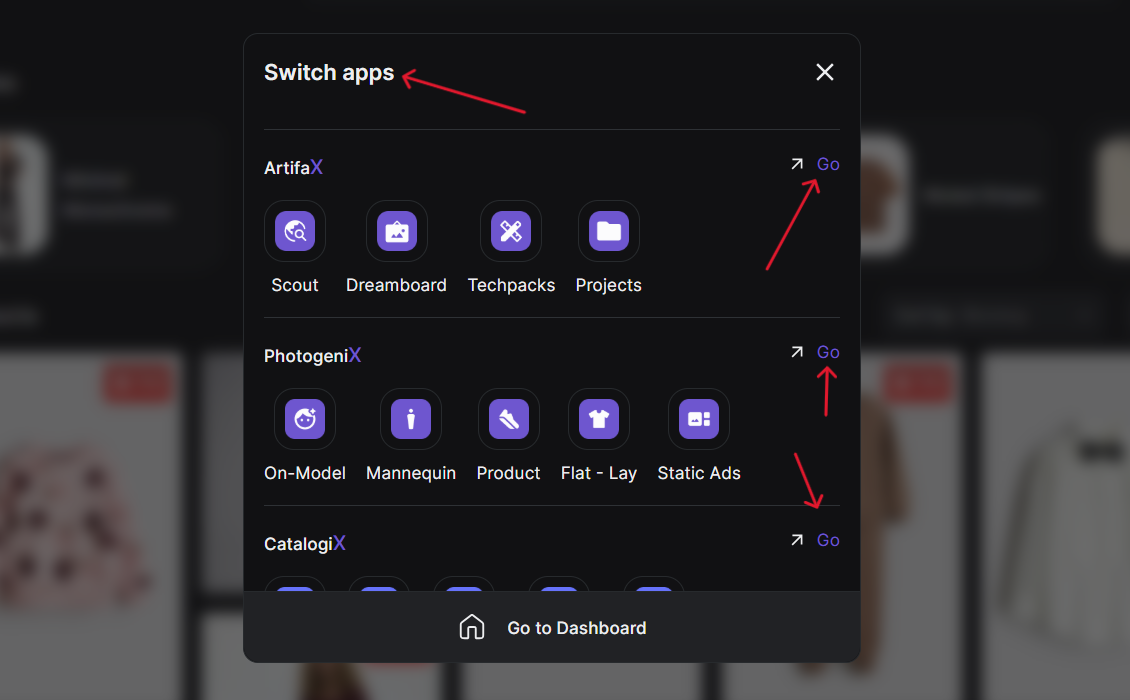
You can move seamlessly between Artifax, Photogenix, and Catalogix within CXO.
Click the **four-cube icon** next to the app label.
Select from Artifax, PhotogeniX, or CatalogiX — click the arrow icon to switch instantly.
Click **Go to Dashboard** anytime to return to the CXO Command Center.
All apps share your workspace and billing, so transitions are instant and smooth.